Country rules
Use a blocklist for a few problem regions or an allowlist for a private community. Standard two-letter country codes keep the file readable.
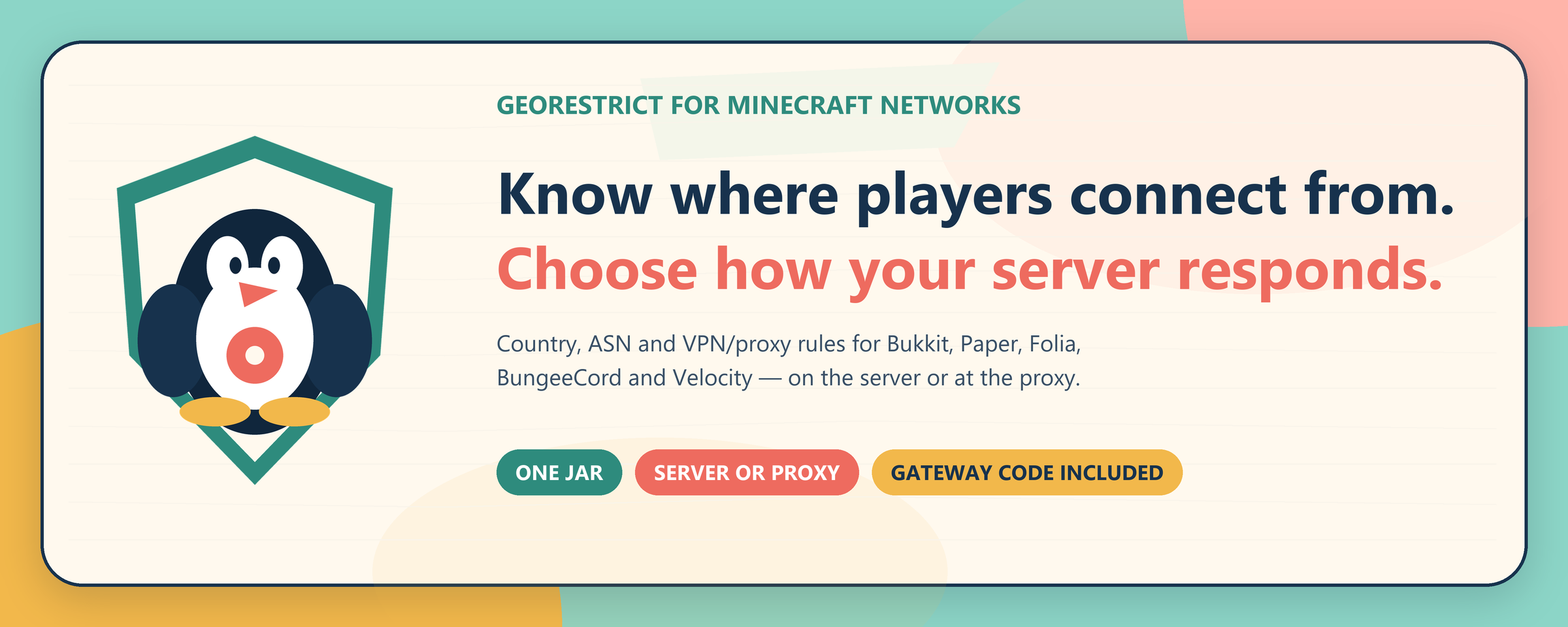
GeoRestrict gives Minecraft admins country, network and VPN rules without turning setup into a second job. Put one jar on your server or proxy, choose the access policy that fits your network, and let the local cache handle repeat lookups.
Use a blocklist for a few problem regions or an allowlist for a private community. Standard two-letter country codes keep the file readable.
Block a hosting company or ISP by ASN without closing the door on an entire country.
Combine the provider's proxy flag with an editable ISP keyword list. You stay in control when a legitimate player gets caught.
Recent results live in geo_cache.json, with atomic saves, a size cap and a 30-day default lifetime.
Send block events to Discord, choose the fields you care about, and mask player IPs by default.
Bukkit, Paper, Spigot, Purpur, Folia, BungeeCord, Waterfall and Velocity all use the same build.
Use GeoRestrictAPI for custom network routing, fetching country codes, ASN, ISP, and VPN status without kicking players.
Detect Bedrock players automatically with custom bypass rules for country, ASN, or VPN checks, plus %xuid% logging.
The platform adapter hands the address to GeoRestrict before the player is admitted.
A fresh local result avoids a network request entirely.
It finds the country and network data needed for your rules.
Country, ASN and VPN rules are evaluated consistently. The first blocking rule wins.
Valid lookup data goes into the bounded local cache for the next connection.
They join, or receive the message you wrote in config.yml.
georestrict-2.0.2.jar from Modrinth.plugins/ folder and restart once.plugins/GeoRestrict/config.yml and choose BLOCKLIST or ALLOWLIST./georestrict reload, then test with an address you know.The installation guide covers every platform. If a real server behaves differently from the happy path, go straight to troubleshooting; it is written around symptoms, not guesswork.